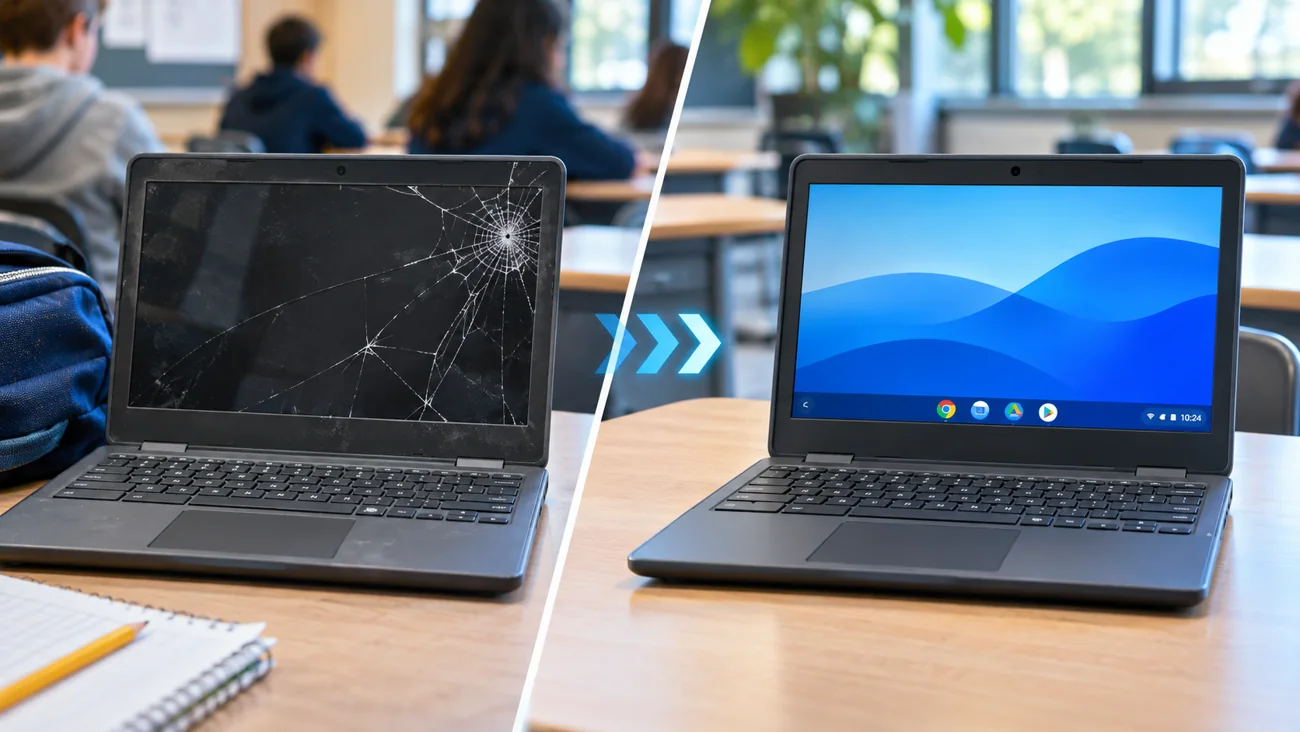
Student Chromebook repairs
Cracked screens, damaged keyboards, power failures, charging ports and battery issues. Compare a feasible repair with replacement before committing budget.
Explore this serviceChromebook repairs, teacher computer support, charging carts and practical classroom technology troubleshooting for Atlanta-area schools. Start with the problem. Review a clear plan before authorizing work.
Fulton & Cobb County focus · School approval required · No unscheduled visits

School IT support helps schools keep learning devices, staff computers and classroom systems functional so technical problems interrupt fewer lessons.
ITCAD offers school-focused technical assistance in the Atlanta area, especially for charter and K–12 schools managing student Chromebooks, teacher computers, charging carts and connected classroom equipment. A request starts with symptoms, the number of devices affected and the school's priorities. Work is reviewed and approved before any repair, parts purchase or on-site visit.
See ITCAD's support process →Not every school needs a large managed IT contract. Some need a Chromebook repaired, a teacher computer stabilized or help understanding why classroom devices cannot connect.
Cracked screens, damaged keyboards, power failures, charging ports and battery issues. Compare a feasible repair with replacement before committing budget.
Explore this service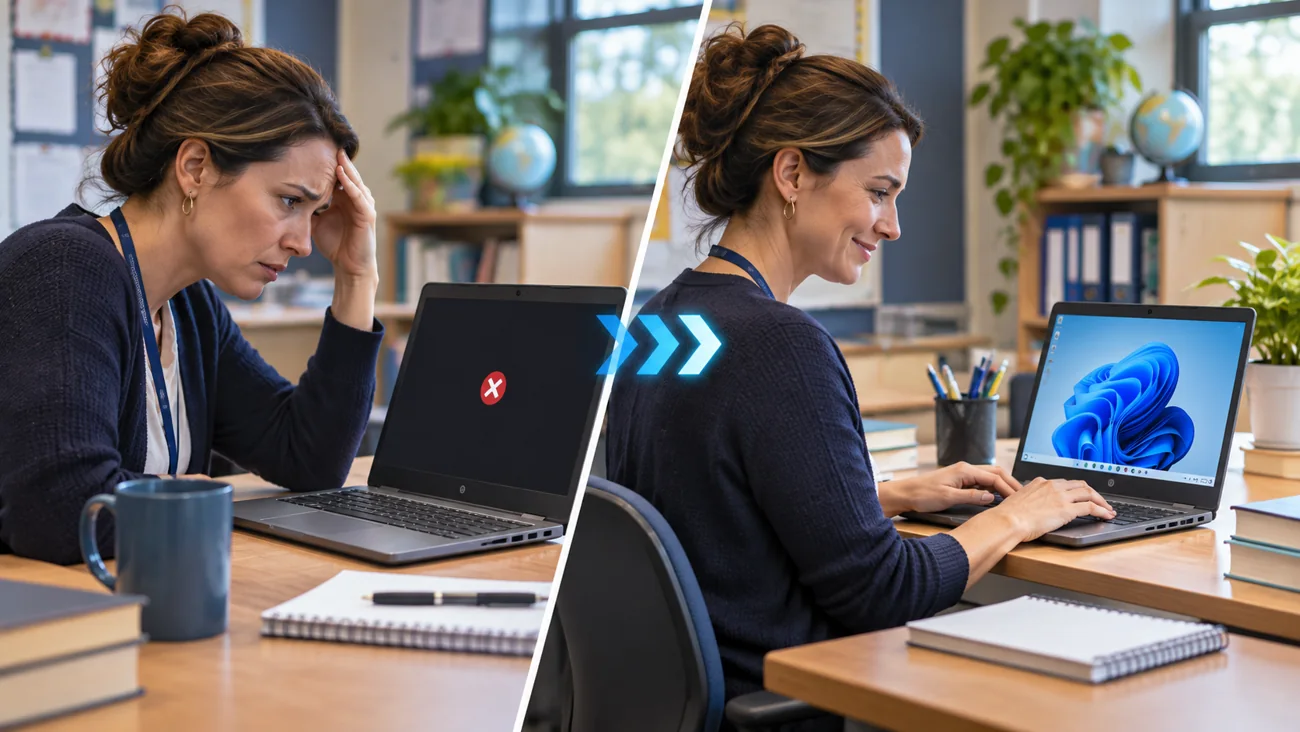
Help teachers get back to instruction when Windows or Mac computers will not start, slow down, lose connectivity or cannot use classroom software.
Explore this serviceReview missing adapters, poor cable organization, inconsistent charging and the condition of carts already owned by the school.
Explore this service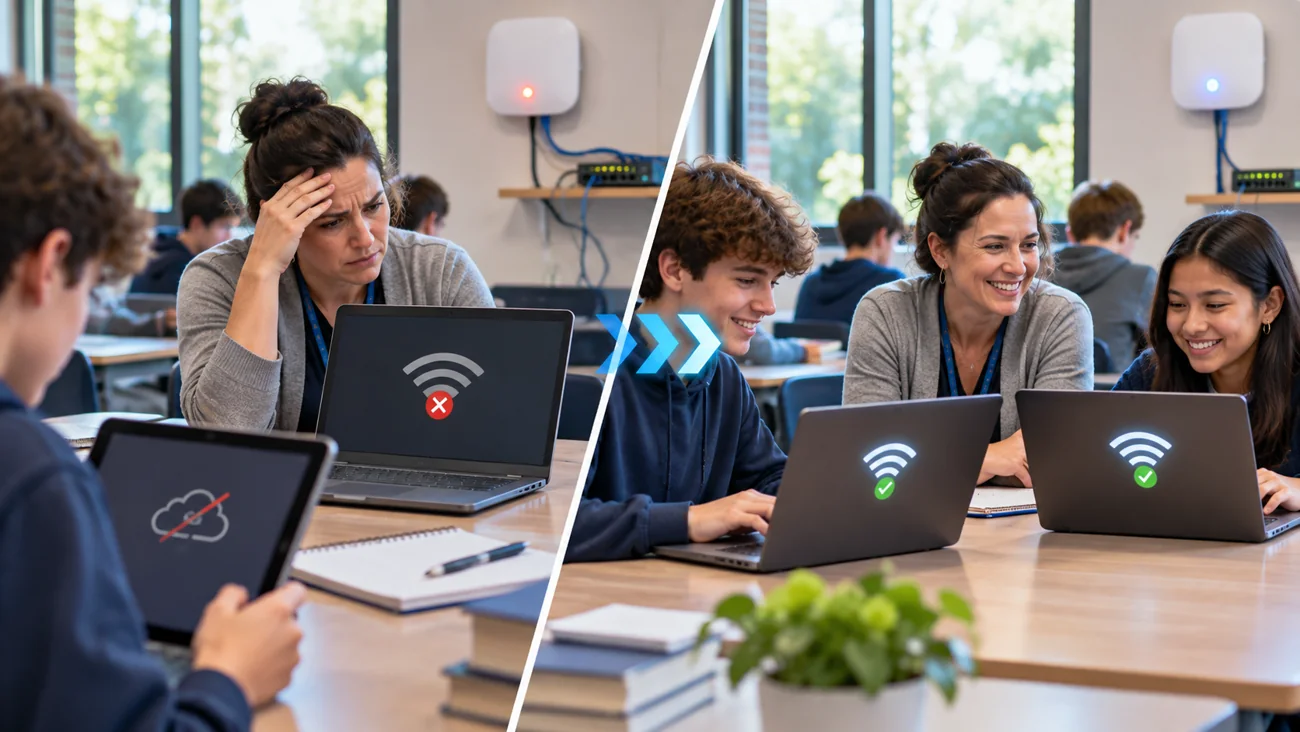
Investigate school device connectivity, classroom wireless signal complaints and access-point issues within an agreed support scope.
Explore this service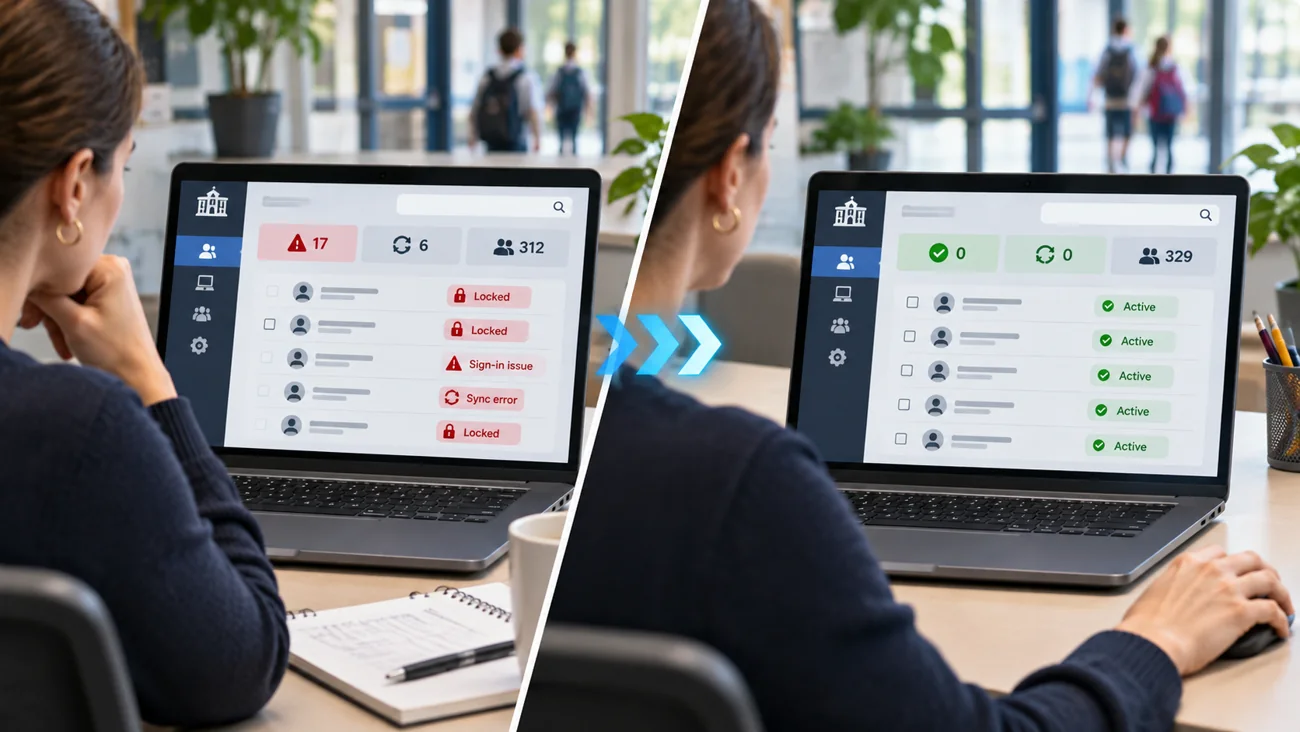
Discuss authorized device enrollment, policies, Google accounts and classroom testing readiness with the school’s IT administrator.
Explore this service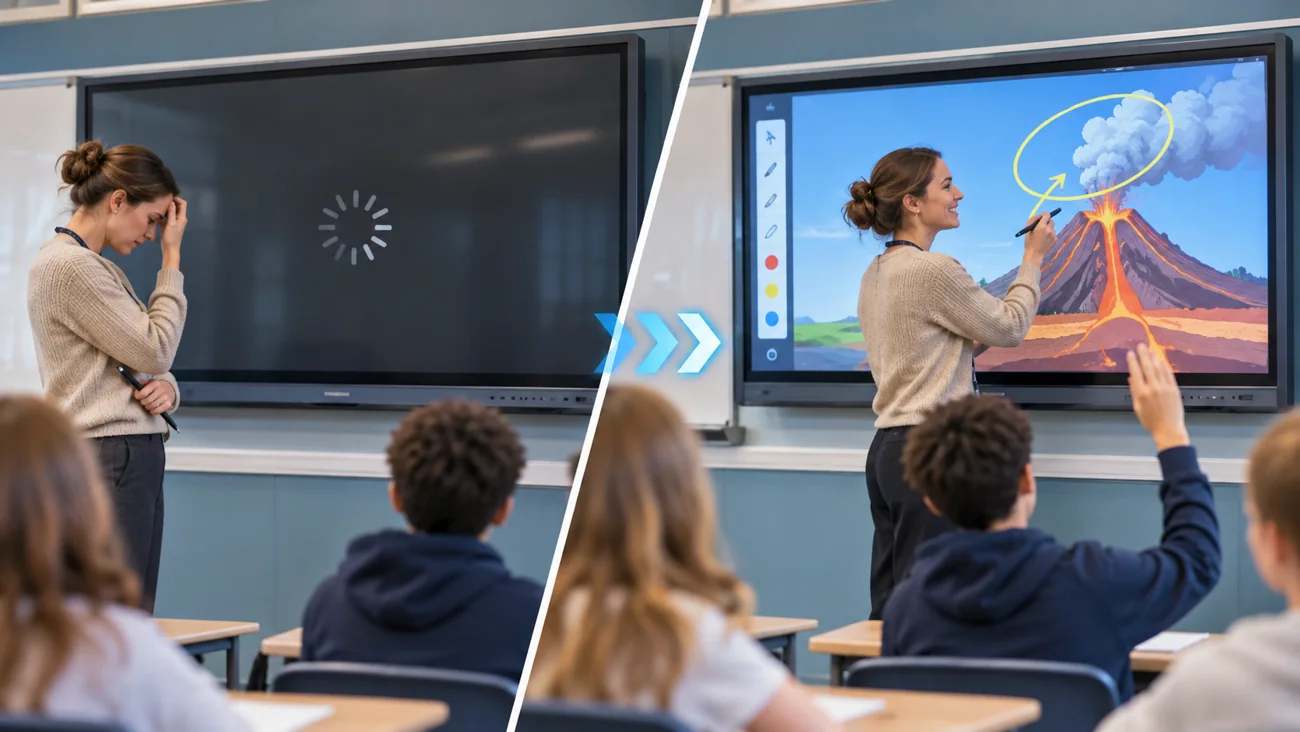
Address common teacher-to-display connections, interactive board symptoms, printing errors and classroom technology interruptions.
Explore this serviceImportant: Services are assessed individually. Specialized repairs, network changes, parts and on-site work are subject to feasibility, access, availability and school approval.
These situations are common starting points for a school technology request. The symptoms you see are more useful than guessing the cause.
Check whether the problem affects one device, a shared charger or an entire cart. Record models and quantities; avoid using visibly damaged power equipment.
Chromebook repair options →Note the laptop, display model, cable or adapter used, and whether the problem appears in every classroom or just one.
Classroom display support →Record the location, time, number of affected devices and whether nearby classrooms experience the same problem.
Network troubleshooting →Collect the exact error message, device model and enrollment stage; school-approved Google Admin access may be needed.
Google Admin assistance →A straightforward workflow helps principals make decisions without committing to work they have not approved.
Share what happened, what equipment is affected and how lessons or operations are disrupted.
ITCAD clarifies symptoms, available information and what might be handled remotely.
The school reviews proposed scope, cost and any parts or visit before work starts.
Authorized requests are documented through the ITCAD support ticket workflow.
24/7 ticket submission does not mean 24/7 live staffing. The portal accepts requests at any time; review and scheduling depend on availability.
Understand the four stepsBeyond fixing a device, a school needs a process that protects instructional time, respects school approvals and makes equipment decisions understandable.
ITCAD describes hands-on experience with Chromebook fleets, Google Admin Console, Wi-Fi diagnostics and classroom technology. Professional references can be checked separately.
Historical experience is not a guarantee of current capacity or an endorsement by the schools named as references.
Clear answers for principals, charter school administrators, technology coordinators and teachers evaluating outside technical support.
Answers reflect ITCAD's described services and process. They do not promise an automatic diagnosis, price or response time.
Have a different question? Contact ITCAD →For ITCAD, school IT support means practical help with student Chromebooks, teacher laptops and desktops, charging carts, classroom connectivity, interactive displays, printers and authorized Google Admin tasks. The school and ITCAD agree on the scope before work begins.
Yes. ITCAD focuses on practical technology support for Atlanta-area K–12 schools, including charter schools. Contact ITCAD with your school location and the problem to confirm the appropriate service and availability.
ITCAD currently describes its Atlanta-area focus as Fulton and Cobb County, including nearby school communities. Service eligibility and any on-site visit depend on the school location, the request and availability; no unscheduled visits are offered.
ITCAD can review Chromebook problems such as damaged screens, keyboards, batteries, charging ports and devices that will not start. Repair suitability, compatible parts and costs must be assessed before approval.
Yes, a school can describe a group of affected devices in one initial inquiry. Include approximate quantity, models, symptoms and asset tags when available. ITCAD can then discuss whether individual repair, grouped assessment or replacement is the more practical path.
Schools may request help with Windows or Mac computers used by teachers and staff, including startup issues, slow performance, software problems, damaged hardware and classroom connectivity. The next step depends on the symptoms and approved access.
ITCAD can review reported classroom Wi-Fi and connectivity problems, including weak signals and devices that fail to connect. A diagnosis may involve checking device settings, access points or network conditions with the school’s authorization.
ITCAD has experience with Google Admin Console and Chromebook environments. Enrollment, policies, account access and testing-readiness questions can be reviewed only with appropriate school authorization and permissions.
Yes. Schools can request review of charging carts with missing adapters, damaged or tangled cables, disorganized devices or charging problems. Compatibility and electrical safety should be checked before any repair or part replacement.
ITCAD can assess common connection and classroom-use problems involving interactive displays and teacher computers. Describe the display brand, model, symptoms and connected equipment so the request can be evaluated.
ITCAD begins with a description of the problem and a review of what can be handled remotely. If on-site work is appropriate, the school must approve the scope and the visit must be scheduled according to availability.
A school can begin with the School Technology Quick Check or contact ITCAD directly. Authorized staff may register a school account and submit a support ticket describing the affected equipment, problem and urgency.
The request is reviewed to clarify symptoms, relevant equipment and next steps. Repairs, parts, paid work, access to managed systems or on-site visits are not automatically authorized by creating a ticket.
No. The online ticket portal accepts requests 24/7, but that does not mean technicians provide live staffing or guaranteed round-the-clock responses.
Cost depends on the equipment, scope, diagnostic needs, parts and whether on-site work is required. ITCAD does not publish a universal fixed price for every school request; the school reviews and approves scope and costs before work proceeds.
ITCAD emphasizes evaluating repair and maintenance options for existing devices before replacement. Schools can ask for a practical assessment of device condition, likely repairability and considerations for replacement decisions.
Include school location, a staff contact, device type, approximate number affected, model if known, symptoms, when the issue began and impact on teaching. Do not send student records, passwords or authentication recovery codes in a ticket.
ITCAD publishes an experience page and professional references from two schools. These references describe historical school-focused work, not a claim that the schools are current ITCAD clients or that they endorse every present service.
ITCAD focuses on practical school technology requests in the Atlanta area. Location, service scope and visit availability are reviewed before scheduling.
Learn about Chromebook support, teacher computers and technology needs for schools in Fulton County.
Fulton County school IT support →Explore technology support options for schools around Smyrna, Marietta and other Cobb County communities.
Cobb County school IT support →A cracked Chromebook screen, a teacher laptop problem or a charging cart issue is enough to start a conversation. Explain the need, then review options before approving work.
Create your account, then open a ticket. Requests are reviewed through the ITCAD support process.