Independent IT support · K–12 schools
Find the problem.
See the way forward.
Six familiar school technology problems. Choose the one affecting your school to see what can be diagnosed, repaired or supported — and how to request help.
Our services
Which problem looks familiar?
Each image is an illustrative before-and-after example. Select a service for a closer look and a simple path to support.
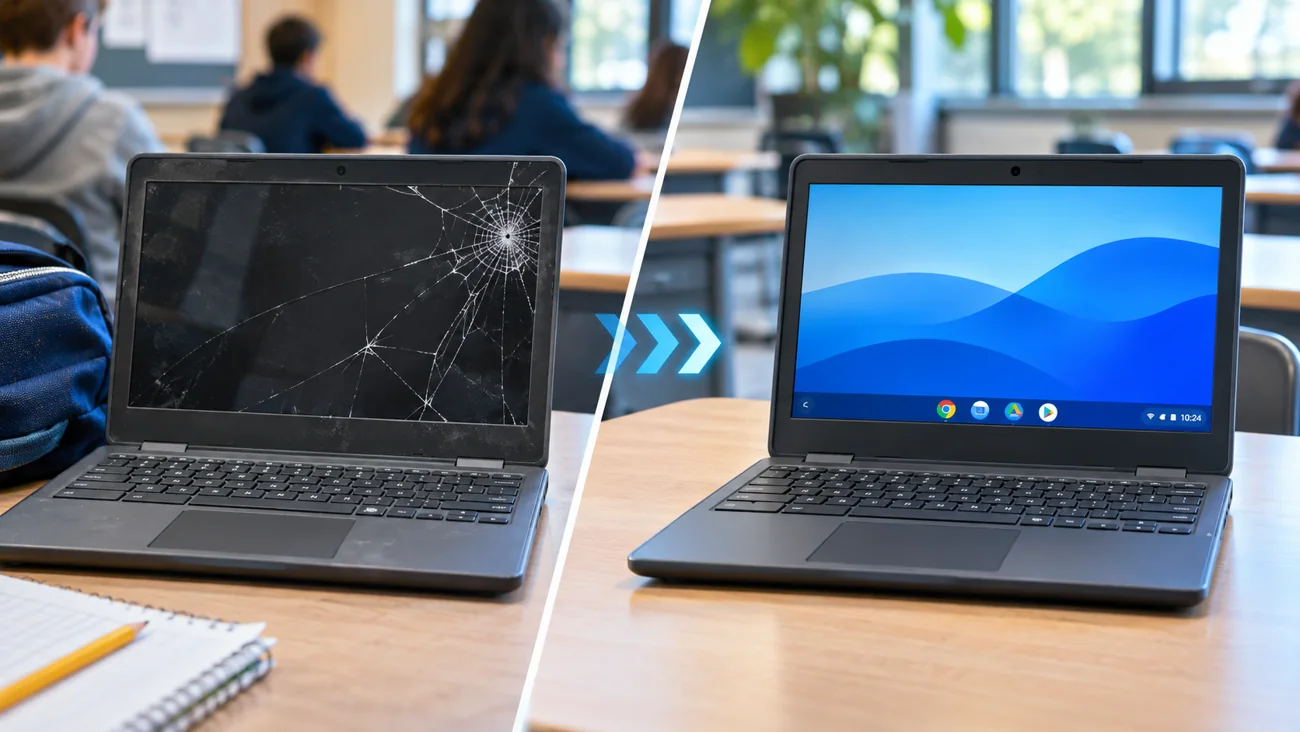 Illustrative example01 / 06Student ChromebooksCracked screens, dead batteries, keyboard and charging problems.See common problems & solutions →
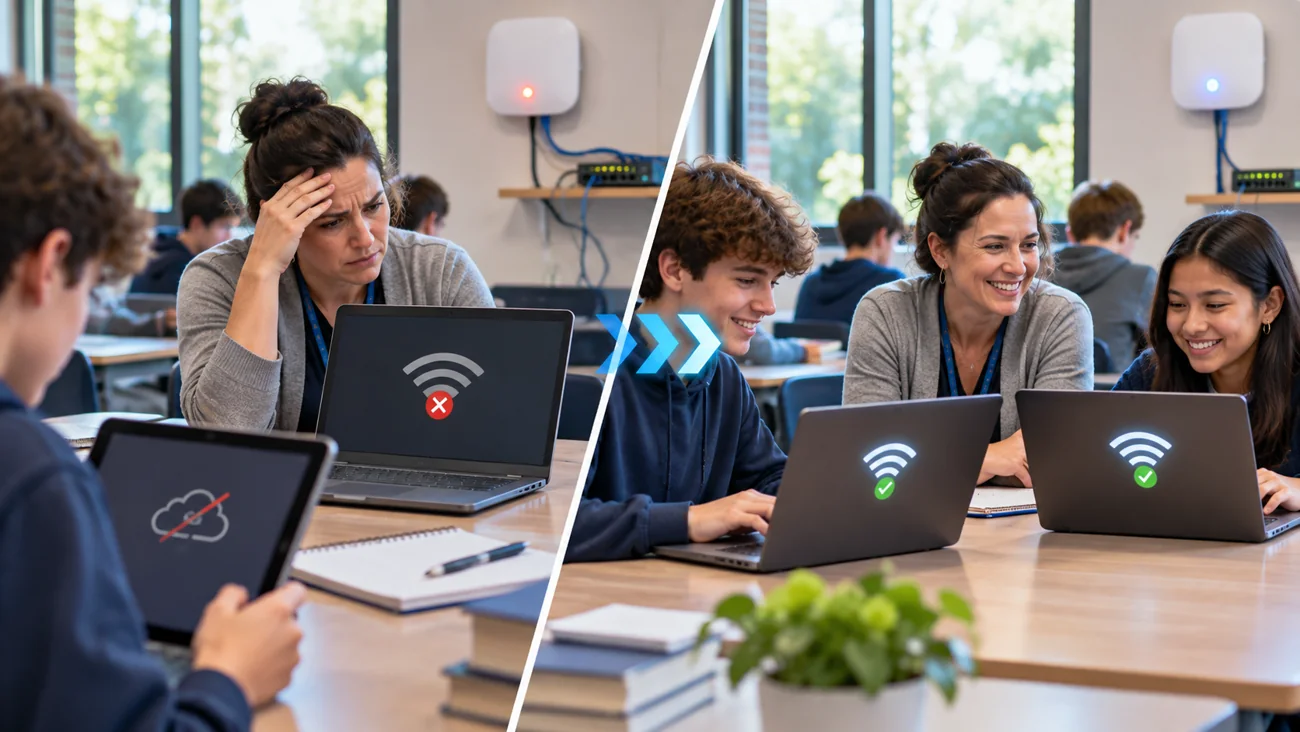 Illustrative example02 / 06Wireless and NetworksClassroom Wi-Fi, weak signal, disconnected devices and access points.See common problems & solutions →
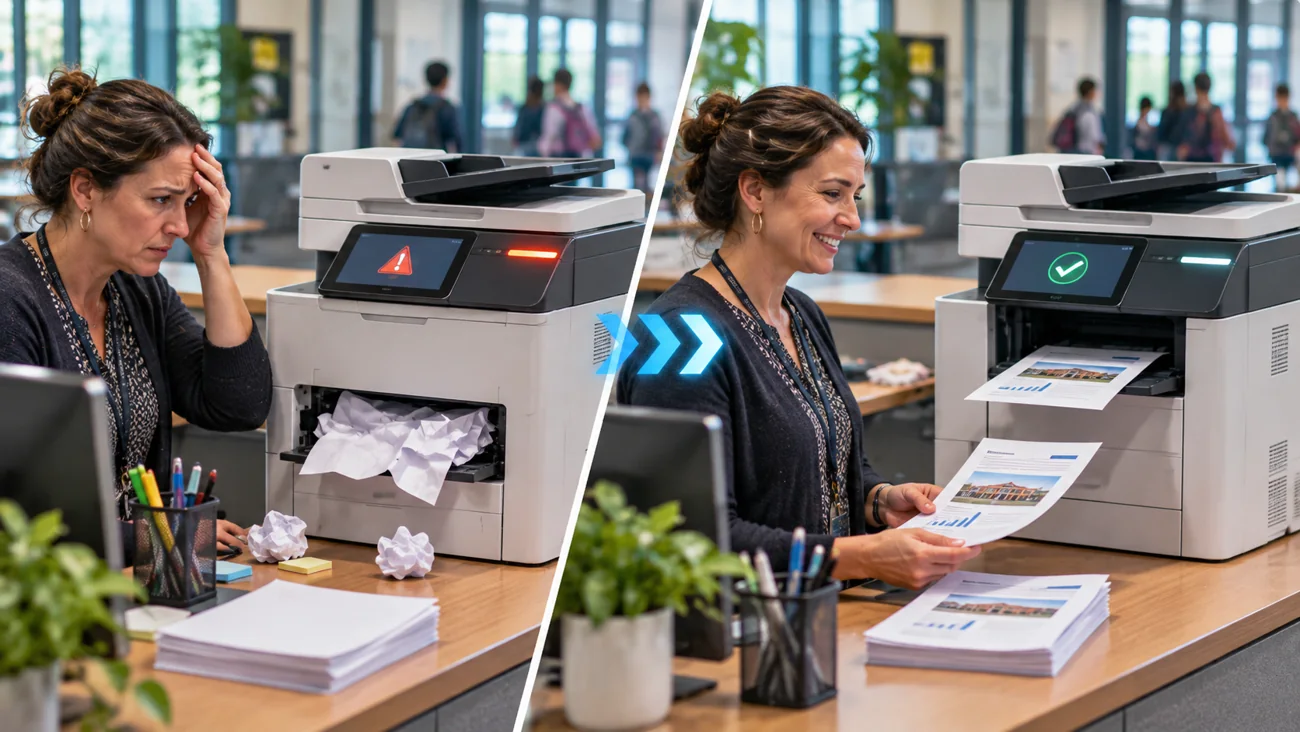 Illustrative example03 / 06Printers and Multifunction DevicesPrinter offline, paper jams, scan-to-email and network printing.See common problems & solutions →
 Illustrative example04 / 06Teacher Laptops and DesktopsSlow computers, boot failures, software and login issues.See common problems & solutions →
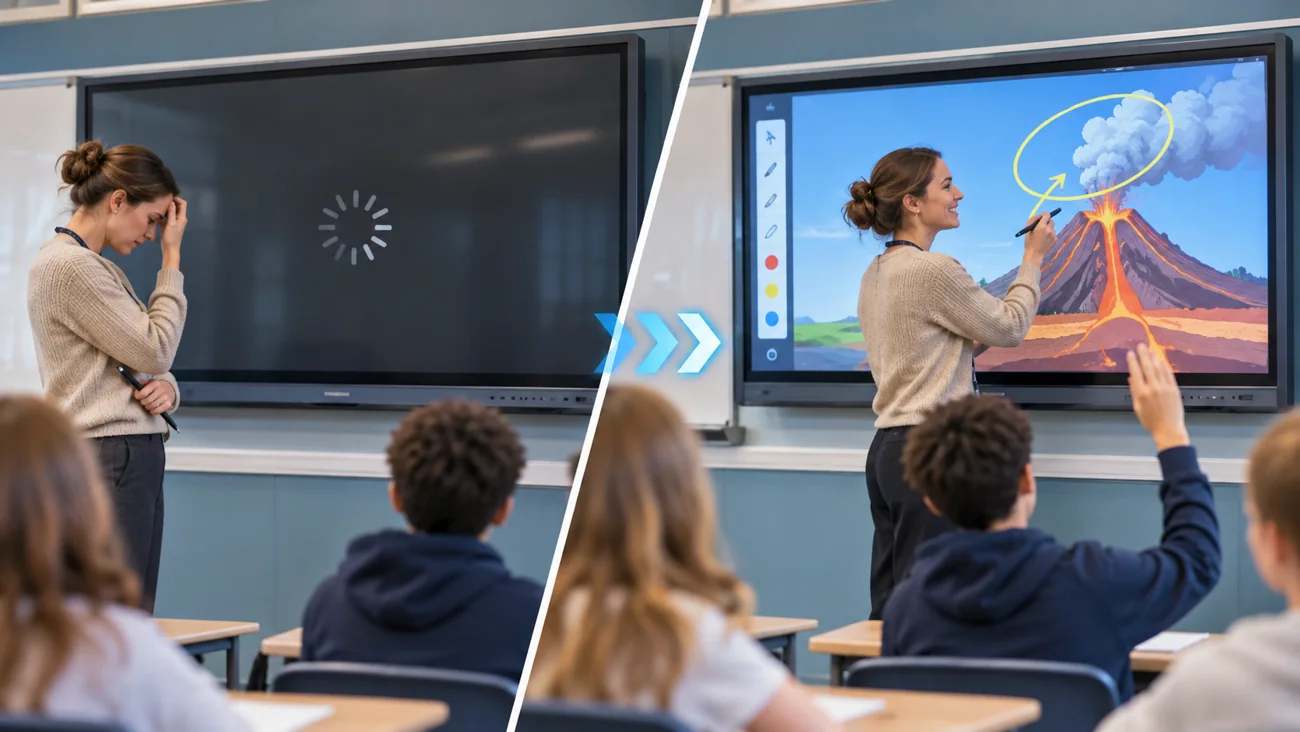 Illustrative example05 / 06Interactive Classroom DisplaysBenQ, Sharp, touch response, no signal, sound and casting.See common problems & solutions →
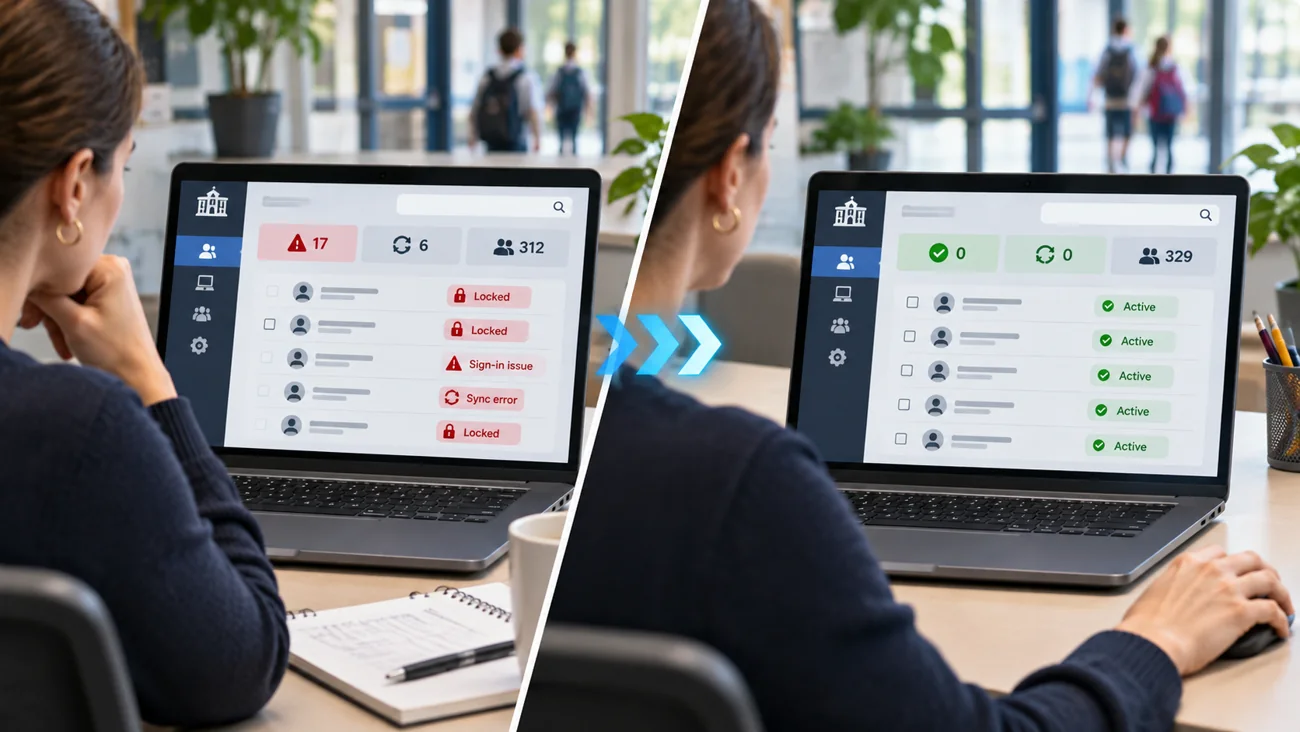 Illustrative example06 / 06Google Admin and School AccountsGoogle Workspace for Education, Chromebook policies and access.See common problems & solutions →
Start with a ticket
A clear way to request assistance.
New contact? Register for ITCAD, then describe the issue in a ticket. ITCAD can review the request and discuss remote troubleshooting, appropriate repair options or authorized on-site help. Availability is confirmed individually.