Student account blocked? Restore access responsibly.
Google Workspace and managed Chromebooks are essential to learning. School account and device issues require authorized, careful administrative handling.
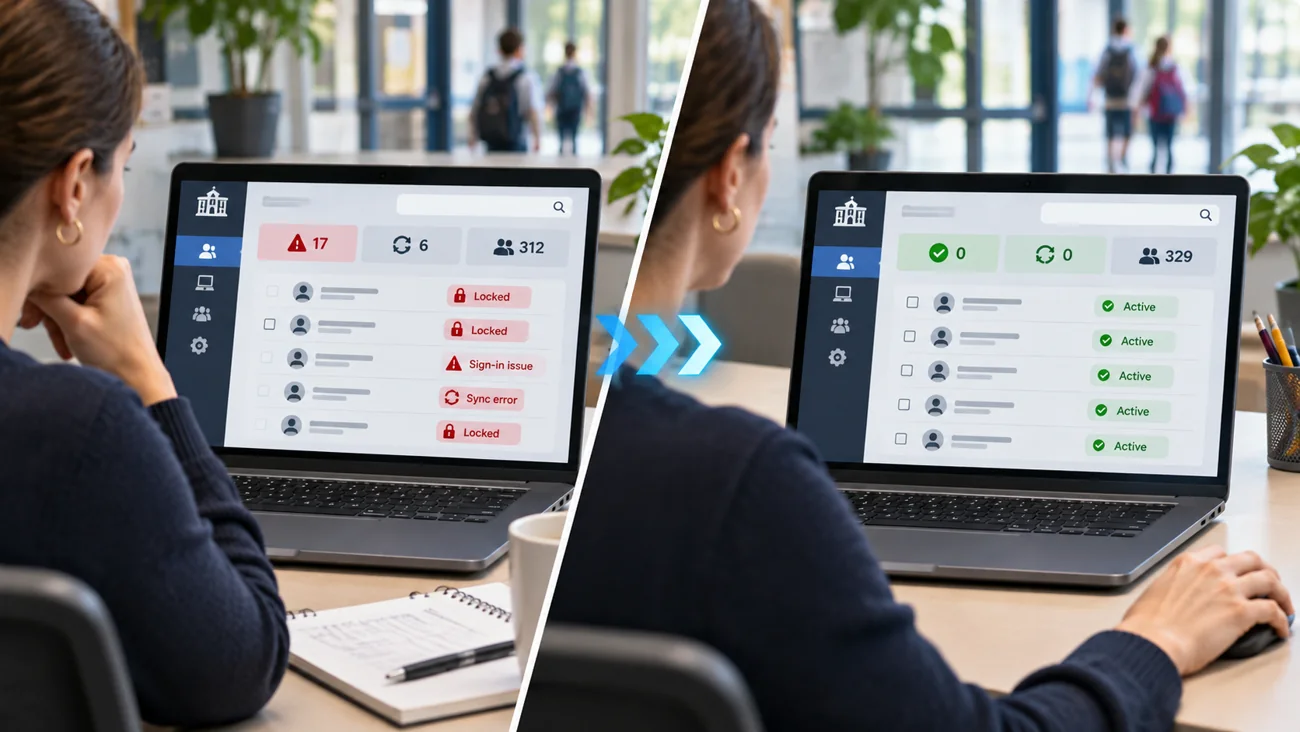
Does this happen at your school?
A student cannot sign in, a Chromebook is not applying its school policy or teachers cannot access an approved application.
You do not need to know the technical cause before reaching out. A short description and the correct device details are enough to start an assessment.
Common issues ITCAD can assess
- Student and staff Google account sign-in problems
- Password resets and account access procedures
- Google Admin Console and organizational-unit configuration
- Chromebook enrollment and policy troubleshooting
- Approved application settings and access permissions
- School device management and user support
From problem to next step
Every school situation is different. This is how I would evaluate your request and determine an appropriate response.
- 1
Confirm the request comes from authorized school staff.
- 2
Identify the affected account, device or organizational unit without requesting passwords by email.
- 3
Review the relevant Google Workspace or ChromeOS policy symptoms.
- 4
Recommend or perform only changes explicitly authorized by the school.
- 5
Record the action and follow-up without exposing confidential student information.
Clearer access and policy resolution with documentation and attention to student data security.
Describe what is happening.
Useful details for the ticket: School-approved contact, generic error screenshots with personal data redacted, approximate scope and affected device types; never send passwords.
ITCAD provides online ticket intake and a record of communication. Repair scope, schedule, parts and costs are discussed and authorized before work begins.