Printer not working? Get the school office moving.
A printer or copier issue can delay attendance paperwork, parent communications and classroom materials. Start with the symptom, device and network connection.
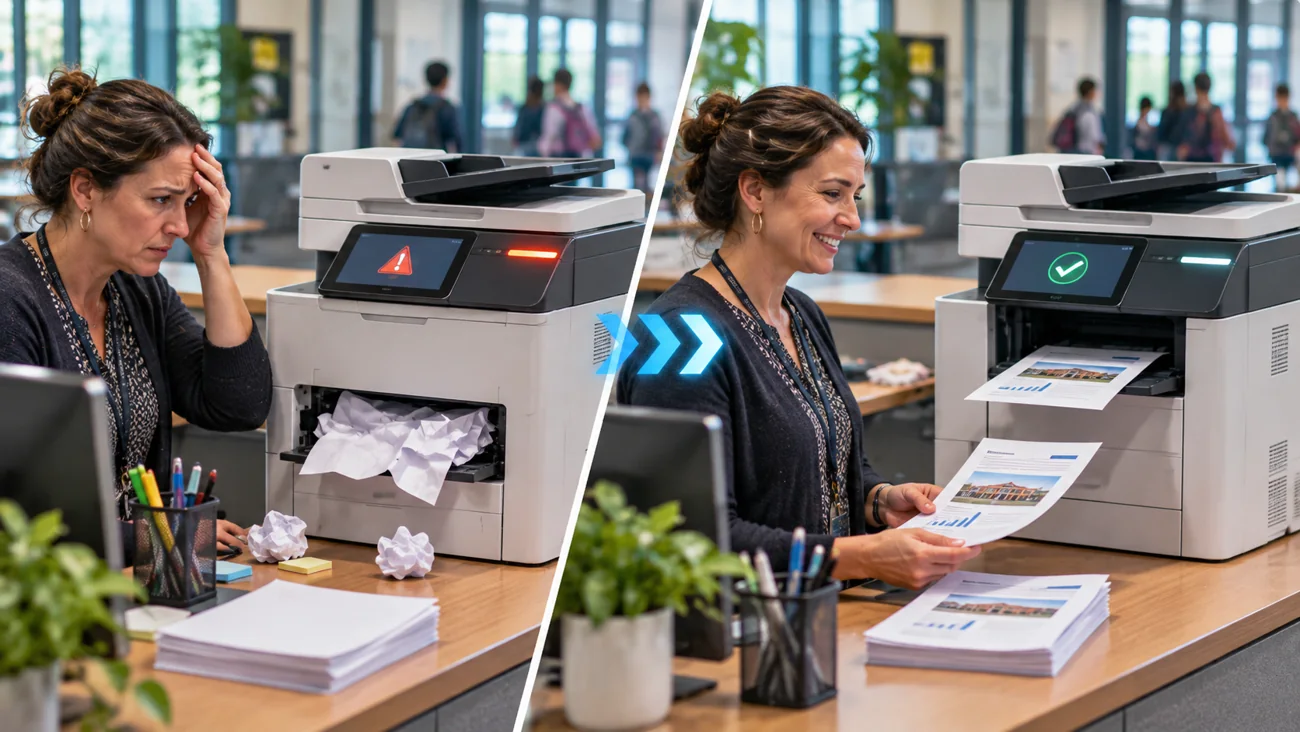
Does this happen at your school?
The front office printer shows “offline,” print jobs get stuck, pages jam repeatedly, or scanning to a staff mailbox fails.
You do not need to know the technical cause before reaching out. A short description and the correct device details are enough to start an assessment.
Common issues ITCAD can assess
- Offline devices and interrupted network printing
- Paper jams and recurring feeder errors
- Driver and print queue problems
- Scanning and scan-to-email configuration issues
- Connection problems between staff computers and copiers
- Basic setup and troubleshooting for multifunction devices
From problem to next step
Every school situation is different. This is how I would evaluate your request and determine an appropriate response.
- 1
Collect the brand, model and error message.
- 2
Determine whether the fault affects one computer or multiple users.
- 3
Review connectivity, print queues and configuration remotely where appropriate.
- 4
Recommend on-site troubleshooting, authorized servicing or specialist repair when required.
- 5
Document the outcome and suggested preventive steps.
A documented diagnosis and practical guidance to resume printing and scanning.
Describe what is happening.
Useful details for the ticket: Printer brand/model, displayed error code, photo of panel, affected users and whether printing/scanning stopped together.
ITCAD provides online ticket intake and a record of communication. Repair scope, schedule, parts and costs are discussed and authorized before work begins.