Confirm the blast radius
Compare one wired and one wireless device, at least two buildings if available, and several approved services. Record exact time and affected groups.
When a school loses internet access, the first question is not which device to restart. It is whether the problem affects a classroom, building, district connection, DNS service or external platform.
Use this incident-focused guide to establish the scope, protect instructional continuity and escalate with evidence.
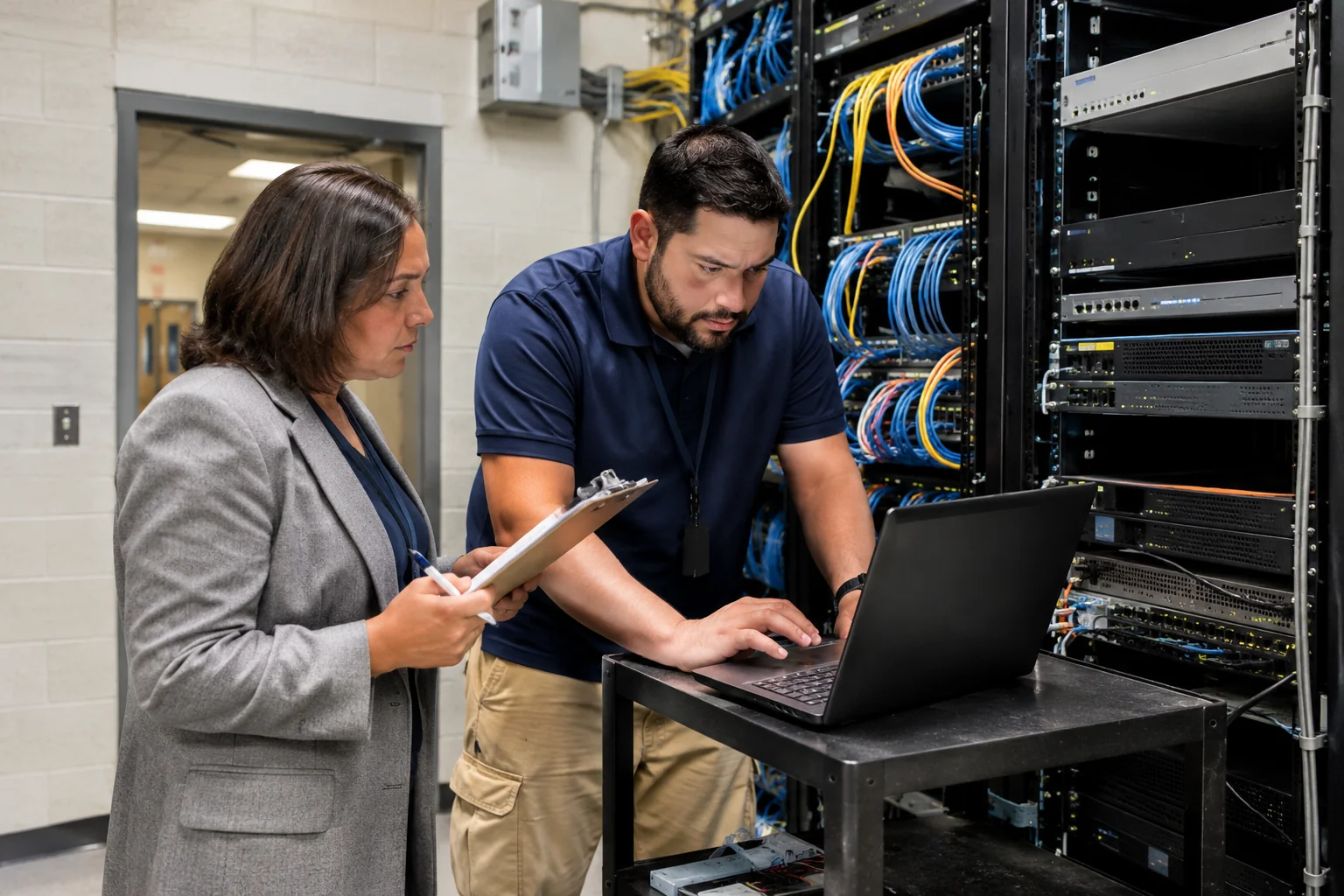
The distinction changes the response owner and prevents unnecessary equipment resets. Use only school-authorized devices and diagnostic tools.
If school safety, emergency communications or critical operations are affected, activate the district's incident and continuity procedures immediately.
These are hypotheses, not confirmed diagnoses. A technician should validate the failing layer before changing network configurations.
| Observed symptom | Likely area to investigate | Evidence-first next action |
|---|---|---|
| Entire campus offline, wired and wireless | WAN circuit, edge firewall, gateway or DNS | Check gateway and WAN state; compare provider status; escalate with evidence |
| Wi-Fi offline, wired internet works | Wireless controller, access points or SSID authentication | Investigate wireless infrastructure; do not restart the WAN blindly |
| One building offline | Building uplink, distribution switch, power or VLAN routing | Compare adjacent buildings and uplink alarms |
| Websites fail but IP connectivity works | DNS or DNS-based filtering | Check resolver and filtering health under district policy |
| One approved learning platform fails | Vendor outage, SSO or application-specific policy | Check vendor status, sign-in and filtering |
| Video calls freeze during peak hours | WAN congestion, loss, latency or WLAN capacity | Measure utilization and packet loss by segment |
| Intermittent internet across all rooms | Flapping WAN link, gateway failover or upstream instability | Correlate timestamps with edge logs and provider events |
| Online tests fail only at scheduled time | Capacity, test platform, authentication or policy | Coordinate with testing team; collect concurrent measurements |
Compare one wired and one wireless device, at least two buildings if available, and several approved services. Record exact time and affected groups.
Check LAN gateway reachability, DNS resolution, WAN interface state and approved upstream probes. Avoid unapproved public scans.
Review firewall and filter health, district identity services, DNS, power and provider status; capture alerts before changing anything.
Apply documented failover, configuration rollback or vendor-approved repair only with change authorization and an identified rollback plan.
Retest approved learning apps, staff systems, printing dependencies, voice services where relevant and representative classrooms.
Document evidence, verified cause or remaining uncertainty, restoration time, vendor case and owners for follow-up actions.
| Evidence | First escalation |
|---|---|
| Only one managed device fails | Endpoint / device support |
| Many wireless clients, wired access works | Wireless network administrator |
| Building uplink down, other buildings work | LAN / infrastructure administrator |
| All clients cannot resolve names | DNS / filtering administrator |
| WAN down or circuit alarms present | Network edge team and ISP |
| One cloud application unavailable | Application vendor / SSO team |
| Situation | Best first measurement | What not to assume |
|---|---|---|
| Complete loss of internet | Gateway/WAN/DNS reachability and provider events | That every access point is faulty |
| Slow during peak school hours | WAN utilization, loss, latency and WLAN load | That buying a faster circuit alone will fix it |
| Only one education platform unavailable | Vendor status, SSO and policy path | That the entire school internet is down |
| Repeated short outages | Time-correlated interface and failover logs | That restarting equipment is a durable fix |
Related guides: For a single student device, see Student Chromebook Wi-Fi Connection Issues. For infrastructure-wide diagnostics, see School Network Troubleshooting Services. For wireless coverage and capacity, see School Wireless Network Support.
Practical guidance for principals, office teams, school IT staff and district network administrators.
Answers explain the next decision and the evidence needed—not generic promises of an instant fix.
Share your school's symptomsTest a known-good wired computer and a wireless device against the same approved external destination. If wired access works but wireless fails, investigate the WLAN. If both fail, check DNS, firewall, gateway, WAN and provider status before blaming access points.
Record the first observed time, affected buildings, wired versus wireless results, any provider notice, gateway or firewall alerts, and instructional systems affected. Avoid sharing student identifiers, passwords or sensitive screenshots.
Some services may remain available through cached sessions or different network paths while DNS, filtering or a specific upstream service fails. Compare several school-approved destinations and review firewall and content-filter logs.
It means a device has a local connection but cannot verify usable external connectivity. Possible causes include a missing gateway, DNS failure, filtering, captive portal, upstream outage or a blocked connectivity check. Verify actual approved applications rather than relying on the icon alone.
No. Shared gateways, firewalls and switches should be changed only by authorized IT staff after collecting evidence. An unplanned restart can disrupt telephones, testing, security systems and troubleshooting logs.
Yes. A browser may fail to translate names while the underlying WAN link remains active. Authorized staff can compare name resolution with a known-good resolver under district policy, then inspect internal DNS forwarders and filtering services.
Confirm power and physical link, WAN interface state, routing and any circuit alarms; compare with the provider status portal or support case. An active link light alone does not prove end-to-end internet service.
Compare building uplinks, fiber or copper handoffs, distribution switches, VLAN routing and local power. Check whether other buildings on the same district WAN remain online before escalating to the ISP.
Concurrent testing can expose WAN saturation, wireless capacity, filtering latency, application demand or local device constraints. Gather interface utilization, latency and packet-loss trends during the actual test window before purchasing bandwidth.
Follow the assessment provider and district incident procedures, preserve testing integrity, communicate with testing coordinators and avoid unapproved network changes. Record the incident timeline and seek approved rescheduling or contingency guidance.
A failed filtering proxy, DNS filtering dependency or incorrect policy can block access even when the circuit is healthy. Check vendor health and logs, and use only district-approved failover or policy changes.
Latency is the time a packet takes to travel; packet loss is traffic that fails to arrive. High latency affects responsiveness, while loss can cause disconnects or stalled video. Measure both across local gateway and approved upstream targets.
Only under an approved district continuity plan. Personal hotspots may bypass filtering, privacy controls and acceptable-use requirements; they are not a safe default workaround for students.
Test several unrelated approved services and compare the affected application’s official status information. If other sites work, check the application vendor, authentication and filtering before changing network infrastructure.
Provide circuit identifier if authorized, school/site location, outage start, WAN interface status, provider equipment indicators, relevant traceroute or loss results, contact information and business impact. Do not transmit credentials.
Depending on the product and configuration, subscription expiration can affect security services or filtering. Review vendor-specific behavior and license alerts; do not assume all expired licenses cause a complete WAN outage.
Document critical services, evaluate a second circuit or approved cellular backup, configure routing and filtering consistently, and test failover during a controlled maintenance window. Confirm that capacity supports essential school operations.
Include ownership, provider contacts, circuit inventory, escalation thresholds, approved diagnostic checks, communications templates, rollback steps and evidence collection. Store an accessible offline copy for use when cloud systems are unavailable.
Determine whether calling depends on the same WAN circuit or on a separate voice path. Follow the school emergency communications plan and verify any life-safety requirements with the responsible district and provider teams.
Document the timeline, verified root cause if known, user impact, detection gaps, corrective actions and an owner for each follow-up. Avoid attributing the incident to the ISP without supporting evidence.
No. Recovery depends on the failed component, provider involvement, access authorization, replacement availability and the school’s change-control process. Scope and service availability must be confirmed directly.
Trend incident tickets by site and time, monitor WAN and DNS health, verify capacity, maintain configuration backups and test continuity plans. Separate chronic slowdowns from complete outages so the right fix is prioritized.
Independent sources for incident handling, school connectivity and privacy. Consult current vendor-specific documentation before changing production systems.
Service scope: This is educational guidance, not evidence that ITCAD operates a district network or holds any particular certification. Availability, authorized access, onsite work and response times must be confirmed before service.
Provide the affected locations, outage timeline and results of approved checks to start with the right technical team.
Request School IT SupportCreate your account, then open a ticket. Requests are reviewed through the ITCAD support process.