Coverage & capacity
Assess signal, interference, access-point placement and high-density classroom demand.
Keep classroom, library and staff Wi-Fi reliable with a school-wide approach to coverage, access points, authentication, capacity and change control.
A wireless issue rarely stops at the Wi-Fi icon. Schools need to understand whether the cause is radio coverage, a managed device profile, network segmentation, identity services or the upstream connection. This guide explains what to check, how to document evidence, and when to request help.
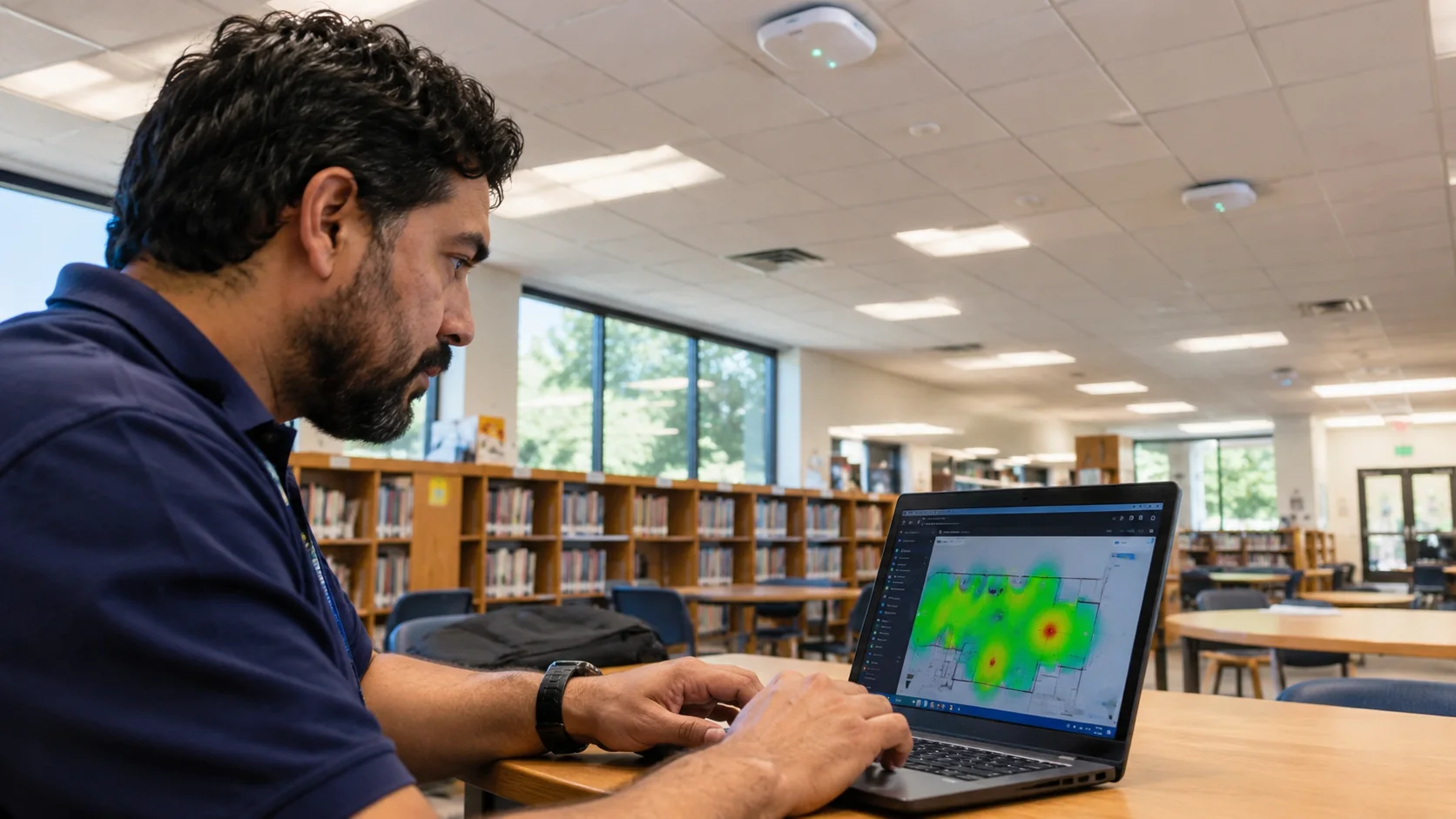
Assess signal, interference, access-point placement and high-density classroom demand.
Review SSIDs, certificates, guest isolation and managed-device access policies.
Test, schedule, record and verify configuration changes without avoidable classroom disruption.
A school may have hundreds of devices sharing access points across classrooms, corridors, cafeterias and offices. The objective is a dependable, supportable network—not a one-time speed-test result. Start by defining the scope of the problem and the expected teaching activity. A failed login, a dead zone and a slow online exam can require very different remedies.
Wireless design should account for construction materials, room density, managed and guest devices, authentication, security segmentation, controller and switch health, and upstream dependencies. Capacity planning should reflect actual classroom schedules, not simply the total number of enrolled devices.
ITCAD can discuss a scoped assessment or troubleshooting engagement; schools should authorize network access and agree on a maintenance and escalation process before changes occur.
Use this matrix to organize a ticket. It identifies likely diagnostic paths, not a definitive diagnosis without testing.
| Observed symptom | Possible failure domain | Recommended first action |
|---|---|---|
| Weak signal in library | RF coverage, walls, or AP placement | Measure coverage in the affected area before relocating or adding APs |
| Whole class slows down | Airtime contention or upstream bottleneck | Compare AP utilization, wired uplink, and application response |
| Repeated login prompts | Identity or certificate problem | Review sanitized authentication logs and policy |
| Connected, no internet | DHCP, DNS, routing, filtering, or ISP | Test gateway, name resolution, and wired baseline |
| Devices drop while moving | Roaming overlap or client behavior | Review cell boundaries and device compatibility |
| One SSID missing | Broadcast or policy configuration | Check SSID assignment and controller status |
| Guest reaches internal resources | Segmentation policy gap | Review VLAN/firewall isolation with authorization |
| AP repeatedly offline | PoE, cable, switch, or hardware | Check switch port power, logs, and cable path |
Document buildings, AP inventory, SSIDs, device groups, controller, and known maintenance windows.
Compare wired connectivity, Wi-Fi performance, authentication, and known-good devices.
Separate RF, access point, switching, identity, DNS/DHCP, internet, and application issues.
Prioritize reversible adjustments and review impacts with school IT leadership.
Test representative managed devices and high-density use cases, not only a single speed test.
Record changes, remaining risks, rollback steps, and follow-up checks.
| Option | When it may fit | Important safeguard |
|---|---|---|
| Configuration correction | SSID, certificate, channel, or authentication setting is demonstrably wrong. | Back up settings and document a rollback. |
| Physical repair | Access point, PoE port, or cable is defective. | Verify the fault before replacing hardware. |
| Coverage or capacity redesign | Recurring dead zones or high-density contention persist. | Survey and test before buying additional APs. |
| Escalation to ISP or application provider | Wireless association works but upstream services fail. | Collect wired baseline and sanitized logs. |
Plan potentially disruptive configuration changes outside active instruction when possible. Before changing an authentication or segmentation policy, test a representative teacher laptop, student Chromebook and approved guest device. Record whether the issue is resolved in the original location.
For a single classroom wireless failure, see Classroom Wi-Fi Repair. For switch, VLAN, DNS and wired network faults, see School Network Troubleshooting Services. These are related but distinct diagnostic scopes.
Practical answers for school IT teams about wireless coverage, authentication, access points, capacity and safe configuration changes.
It is ongoing help with the wireless infrastructure that connects school devices: access-point health, controller configuration, SSIDs, authentication, coverage, capacity, and change documentation. It is broader than fixing one disconnected laptop.
Classroom repair starts with a localized failure in one learning space. Wireless network support considers the shared design and operations across classrooms, corridors, libraries, offices, and common areas.
Compare signal strength and connection behavior at several locations, then inspect access-point placement and obstacles. A device can show strong signal yet perform poorly because of interference, congestion, authentication, or upstream issues.
Yes. Poorly placed or configured access points can increase co-channel contention. A site survey and channel/power review should precede expansion.
Record building, room, date/time, SSID, device type, approximate affected-device count, whether wired internet works, and whether the issue follows the device. Do not send passwords or student records.
Often schools separate student, staff, guest, and managed-device access by policy. The right SSID and VLAN design depends on identity management, device ownership, security requirements, and network complexity.
An SSID is the wireless network name presented to clients; a VLAN is a logical segmentation mechanism in the wired/network infrastructure. One SSID may map to a VLAN or use dynamic assignments, depending on design.
Yes. Wireless association only confirms a link to the access point. DNS, DHCP, routing, filtering, upstream internet, or a service outage can still prevent application access.
Many simultaneous connections can expose limited airtime, interference, weak uplinks, DHCP or authentication bottlenecks, or application-side load. Test each layer rather than assuming insufficient internet bandwidth.
Confirm expected device counts, authentication and DNS, coverage in test rooms, content-filter compatibility, available bandwidth, and a fallback procedure. Schedule a representative pilot before the event.
No. New standards can improve efficiency under compatible conditions, but coverage still depends on construction, antenna placement, power, channel plan, client support, and backhaul.
Review overlapping coverage, client behavior, supported roaming features, and controller settings. Changes must be tested with representative school devices because roaming decisions are often client-driven.
Possible causes include identity-provider availability, expired certificates, RADIUS configuration, clock mismatch, incorrect device profiles, or a policy change. Capture a timestamp and sanitized error before making changes.
Yes. Managed Wi-Fi profiles, certificate deployment, organizational-unit settings, and device policies may affect ChromeOS connections. Compare a known-working device and review the applicable Google Admin configuration.
Typically not by default. Guest access should be designed around least privilege, with explicit exceptions where needed and approved by school IT leadership.
Use the minimum data necessary, avoid exporting identifiable browsing or account details, obtain school authorization for logs, and follow district retention and access policies. Do not collect student passwords.
Remote review can identify configuration and event-log issues, but reliable physical coverage and interference measurements generally require onsite testing with appropriate survey tools.
Consider hardware replacement after checking power, cabling, firmware support, controller compatibility, capacity, and manufacturer lifecycle. An access point that is merely poorly positioned may not need replacement.
Some changes can disconnect active clients or restart access points. Plan maintenance windows, record a rollback procedure, and validate with a small test group before wider changes.
Maintain a controlled inventory of access-point models and locations, firmware, SSIDs, authentication methods, VLAN mappings, change history, and escalation contacts. Store credentials separately in an approved vault.
The same diagnostic principles apply, but controller menus and features vary. Confirm supported firmware and access permissions before changing vendor-specific settings.
No fixed response time, price, or onsite coverage is promised here. Share the school location, symptoms, network platform, and scope so ITCAD can confirm feasibility and propose the next step.
These resources provide general vendor and public-sector guidance. They do not endorse ITCAD or verify a particular school's configuration.
Share the affected buildings, device types, wireless platform and symptoms. ITCAD can review the request and confirm an appropriate next step.
Create your account, then open a ticket. Requests are reviewed through the ITCAD support process.