Where does failure begin?
Compare endpoint, local gateway, internal services, security controls and external destinations to narrow the path.
Know where the network fails before deciding what to replace. An evidence-led diagnostic review helps schools distinguish device, switching, DNS, DHCP, security-policy and internet-edge problems.
For K–12 administrators and technology teams who need a defensible assessment, clear priorities and a documented path to validation—not another generic Wi-Fi checklist.
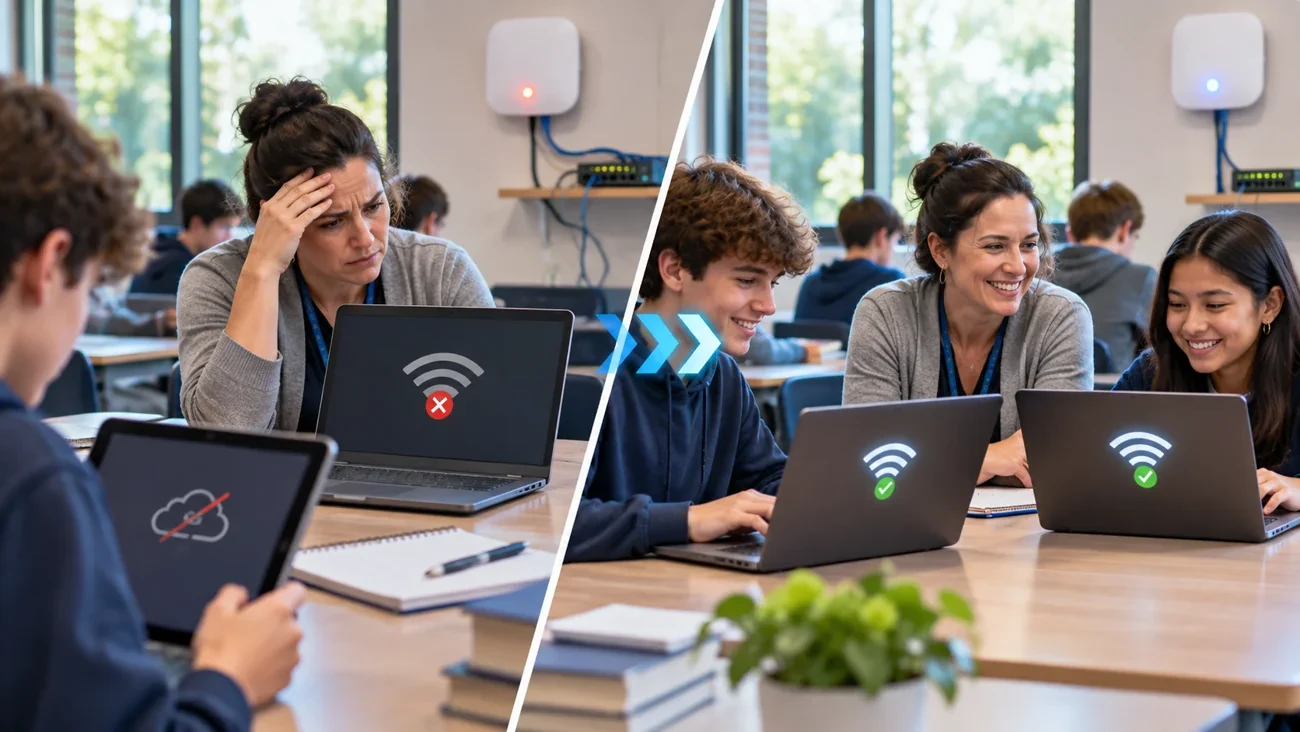
A school can experience the same visible symptom—an application timing out—for very different reasons. The goal is to locate the failure domain, preserve supporting evidence and avoid replacing working equipment.
Compare endpoint, local gateway, internal services, security controls and external destinations to narrow the path.
Correlate incident timestamps with classroom transitions, device concurrency, maintenance and policy changes.
Separate immediate containment, durable remediation, vendor escalation and validation into assigned actions.
These are investigation starting points, not automatic diagnoses. Actual conclusions depend on topology, access permissions and repeated measurements.
| Observed symptom | Possible failure domain | Evidence-led diagnostic action |
|---|---|---|
| Frequent disconnections | Link flaps, RF roaming or authentication renewal | Correlate switch/AP logs with client timestamps; inspect port flaps and session events |
| Slow access during class changes | Uplink saturation or application concurrency | Compare interface utilization, queue drops and application timing at peak and off-peak |
| Some devices lack an IP address | DHCP exhaustion, relay or VLAN mismatch | Check scope utilization, relay path, VLAN membership and affected lease details |
| Websites fail but IP reachability works | DNS resolver or filtering policy | Test approved DNS queries and resolver assignments on wired and wireless clients |
| Only one wing loses service | Distribution switch, fiber uplink or power issue | Map affected access switches; compare optics, link events and UPS history |
| Video calls stutter | Jitter, congestion or packet loss | Collect repeated path measurements and queue counters during calls |
| School apps fail after policy change | Firewall, SSO or certificate dependency | Review change timeline, logs and approved test-account outcomes |
| Internet drops while LAN works | ISP handoff, WAN route or edge firewall | Check gateway and demarcation evidence before escalating to provider |
Every stage should produce an observable output. Read-only work comes first; configuration changes require the school's authorization and change controls.
Identify buildings, applications, device groups and exact incident windows. Record what still works.
Test authorized wired and wireless paths and capture timestamps, DNS results, latency and loss.
Follow client → access → distribution → gateway → DNS/security → ISP or application.
Review counters, logs, recent changes, DHCP leases and monitored trends without collecting unnecessary personal data.
Rank fixes by instructional impact and risk; obtain approval before configuration changes or disruptive tests.
Repeat the original test, record residual risks, owners and follow-up checkpoints.
A good diagnostic report should be usable by the principal, the school's IT lead and any upstream provider. It should include an executive summary, the tested network paths, timestamped observations, unresolved uncertainties, and a prioritized action register.
| Priority | Example action | Validation |
|---|---|---|
| Immediate | Contain an active outage and open an ISP or vendor case with evidence. | Repeat failing path test and record recovery. |
| Near-term | Correct confirmed configuration drift under change control. | Compare pre/post logs, counters and client behavior. |
| Planned | Evaluate uplink capacity, aging equipment or resilience gaps. | Review trend data and acceptance criteria after implementation. |
Best when one repeatable failure affects a known building, VLAN or application. Deliverable: evidence-based isolation and targeted next action.
Best before growth, testing or major network changes. Deliverable: documented topology assumptions, key dependency checks and risk register.
Best after an approved repair or configuration update. Deliverable: side-by-side acceptance tests and outstanding limitations.
Scope and safety: This page describes a proposed diagnostic approach, not a promise that every advanced network assessment is included in a standard support request. Access to network management systems, intrusive testing, security assessment and vendor coordination must be agreed in advance.
Answers explain what evidence is useful, what schools can safely prepare, and where approval or specialist escalation is needed.
A scoped assessment identifies the affected users and buildings, reviews available topology and configuration records, and tests connectivity from the client through switching, routing, DNS, authentication and the internet edge. The deliverable should separate observed evidence from hypotheses, assign owners, and prioritize corrective actions.
Troubleshooting typically restores a specific failed service. Diagnostics is a structured investigation that establishes a baseline, isolates weak points, records reproducible measurements, and helps determine whether targeted repairs, configuration changes or a larger redesign are justified.
Many observations—interface counters, logs, passive traffic summaries and read-only configuration reviews—can occur during instruction. Active scans, failover tests and disruptive changes should be approved and scheduled outside teaching hours.
Share a sanitized network diagram, campus/building scope, equipment inventory, approved test windows, current symptoms, timestamps, recent changes, and a technical contact. Credentials should be provided only through an approved secure channel, never in an ordinary support ticket.
Compare a wired client and a wireless client at the same time, then test local gateway reachability, internal DNS, external name resolution and permitted internet endpoints. If local resources work but upstream destinations fail, investigate WAN or filtering before changing access points.
Packet loss can reflect congestion, damaged links, wireless interference, policing or endpoint behavior. A single ping result is insufficient: compare paths, time windows and interface error counters, and account for devices that intentionally deprioritize ICMP.
Measure repeated samples between documented endpoints during representative periods, including busy class transitions. Record median and tail latency, variation and packet loss; do not compare measurements taken over different paths or protocols as though they were identical.
Yes. Devices may reach IP addresses while websites or learning applications fail by name. Check resolver assignment, lookup responses, filtering policies and whether the problem affects one VLAN or multiple networks before changing DNS settings.
Clients may receive no address, an address from the wrong subnet or an address without a usable gateway. Validate switch-port VLAN membership, trunks, relay configuration, DHCP scope capacity and lease details, without exposing student records in diagnostic exports.
CRC errors, discards, flaps and negotiated speed changes help identify cable, transceiver, duplex or congestion problems. Counters must be interpreted against uptime and traffic volume; a historical count alone does not prove an active fault.
Use authorized test accounts and documented destinations to compare allowed and blocked traffic, DNS categories, certificates and policy logs. Do not bypass filtering to prove a point; document the affected policy and seek approval for any change.
Yes. An overloaded uplink, DHCP scope, shared authentication dependency or incorrectly configured switch can affect only some rooms. Map affected clients to ports, access points, VLANs and upstream paths before concluding the fault is local.
Build a timeline with bell schedules, application events, device logs, power events and change records. Collect repeatable observations during the failing window and preserve timestamps and time zones so evidence from different systems can be correlated.
A wireless survey can be a separately scoped part of the assessment when coverage or roaming evidence points to RF issues. It should document the surveyed areas, client type, band, channel conditions and limitations rather than promise a universal signal threshold.
Yes. Schools can review bandwidth and concurrency assumptions, wired and wireless dependencies, DNS and filtering requirements, and recovery procedures before an assessment window. Follow the testing vendor’s current technical requirements and avoid disruptive tests during exams.
Not automatically. First document installed versions, vendor advisories, support status, backup availability and change risk. Any update should follow an approved change window with a tested rollback or recovery plan.
Record only the minimum necessary evidence, limit access to logs, and route suspected compromise through the school’s incident response process. Diagnostics is not a penetration test unless that activity is explicitly authorized and separately scoped.
It should not require reviewing student content. Use sanitized identifiers and aggregate telemetry where possible, follow school privacy policies, and apply FERPA-related controls when education records could be involved.
A useful report includes scope, methods, timestamped evidence, network path or dependency map, observed impact, likely causes with confidence levels, prioritized actions, responsible parties, validation tests and unresolved limitations.
Prioritize safety and security exposure, instructional impact, breadth of affected users, likelihood of recurrence, cost and implementation risk. Quick reversible corrections can precede larger capital work, but no fix should be represented as certain without verification.
Collect approved demarcation evidence such as WAN status, error counters and reproducible timestamps, then escalate through the school’s contract owner. Keep a single incident record linking vendor case numbers and verification of service restoration.
Establish a baseline after major changes and revisit it when recurring incidents, new device density or testing needs justify it. Routine monitoring can detect trends, while a full assessment is a scoped project rather than a fixed universal interval.
Remote read-only checks can isolate many DNS, routing and configuration issues. Physical cabling tests, power checks, RF surveys and intermittent link problems may require onsite access; the report should state which conclusions were verified remotely.
Submit the affected campus, scope, symptoms, start time, number of users affected and a contact through the ITCAD support portal. ITCAD can review the request and clarify the assessment scope and availability; no response-time guarantee is implied.
The following official organizations provide broader guidance on school technology funding, cybersecurity and student information protection. They are references, not claims of ITCAD certification or endorsement.
Tell us what fails, where, when and how many people are affected. ITCAD can review the request and discuss an appropriate diagnostic scope.
Create your account, then open a ticket. Requests are reviewed through the ITCAD support process.