School inventory and responsible equipment reuse
School Technology Inventory & Device Recovery in Atlanta
Know which computers the school owns, where they are, which ones work and which might be repaired before approving replacements.
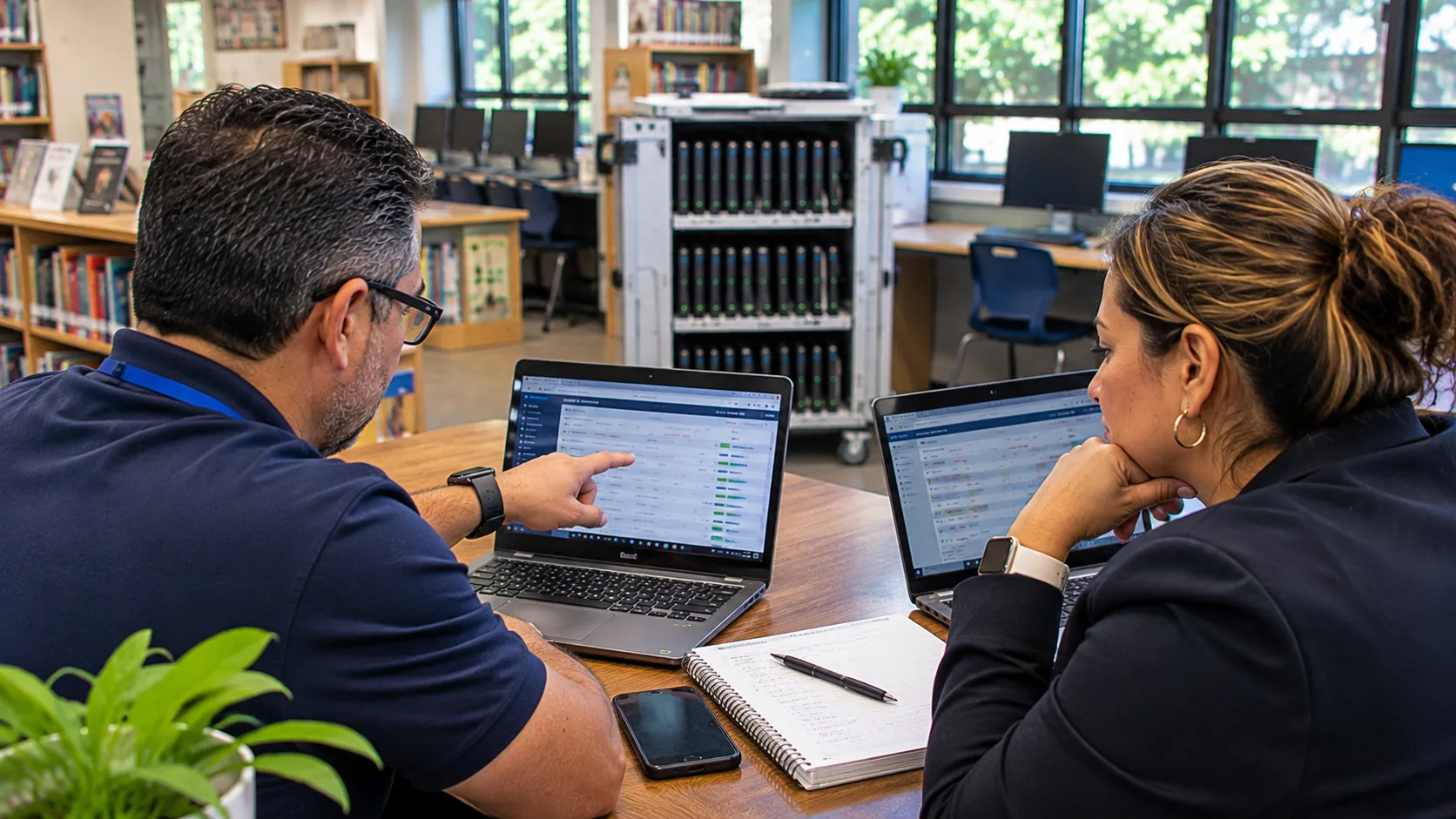
A useful school inventory is more than a spreadsheet
Without up-to-date records, a school may not know how many student devices are operational, awaiting repair or retired. An inventory connects equipment location, condition and support history to clearer decisions.
Track every device
Record model, asset tag or serial number as permitted, assigned location, device type and current condition. Keep personal student information separate and protected.
Use practical statuses
Distinguish working, needs diagnosis, awaiting parts, repaired, retired and approved for parts recovery. Clear statuses make totals more reliable.
Coordinate inventory and tickets
Link a device’s repair history to a ticket reference so recurring failures and completed repairs can be reviewed.
Review records regularly
Update status when devices move, repairs are completed or equipment is retired rather than relying only on an annual manual count.
How equipment recovery can help schools
Some retired computers contain reusable components. In prior K–12 technology work, compatible parts recovered from damaged or retired computers helped return 186 computers to working condition. That is historical experience, not a promise of the same outcome for every school.
Compatibility comes first
Screens, keyboards, power supplies and internal components must be compatible with the destination model and safe to reuse.
Work with school authorization
Only recover parts from devices that the school is authorized to retire or dismantle; document the parts removed and the outcome.
Protect sensitive data
Wipe or securely handle storage media and follow school privacy and asset-disposal policies before reuse or disposal.
Measure actual recovery
Count restored devices, parts used, remaining non-working equipment and items that should be recycled or replaced.
Start with an accurate picture of the problem.
Use the quick questionnaire to share your school’s priorities or open a ticket with device details. ITCAD reviews the request before discussing any diagnosis, schedule, parts or approved work. No visit is scheduled automatically.
What could your school repair or improve?
A few selections can help identify student devices, teacher computers or charging carts that need attention.
School Technology Quick CheckOpen a support ticket