Device repair intake
Record model, serial, damage, warranty and approved repair scope.
Plan hands-on school IT technician support for student devices, staff workstations and classroom equipment.
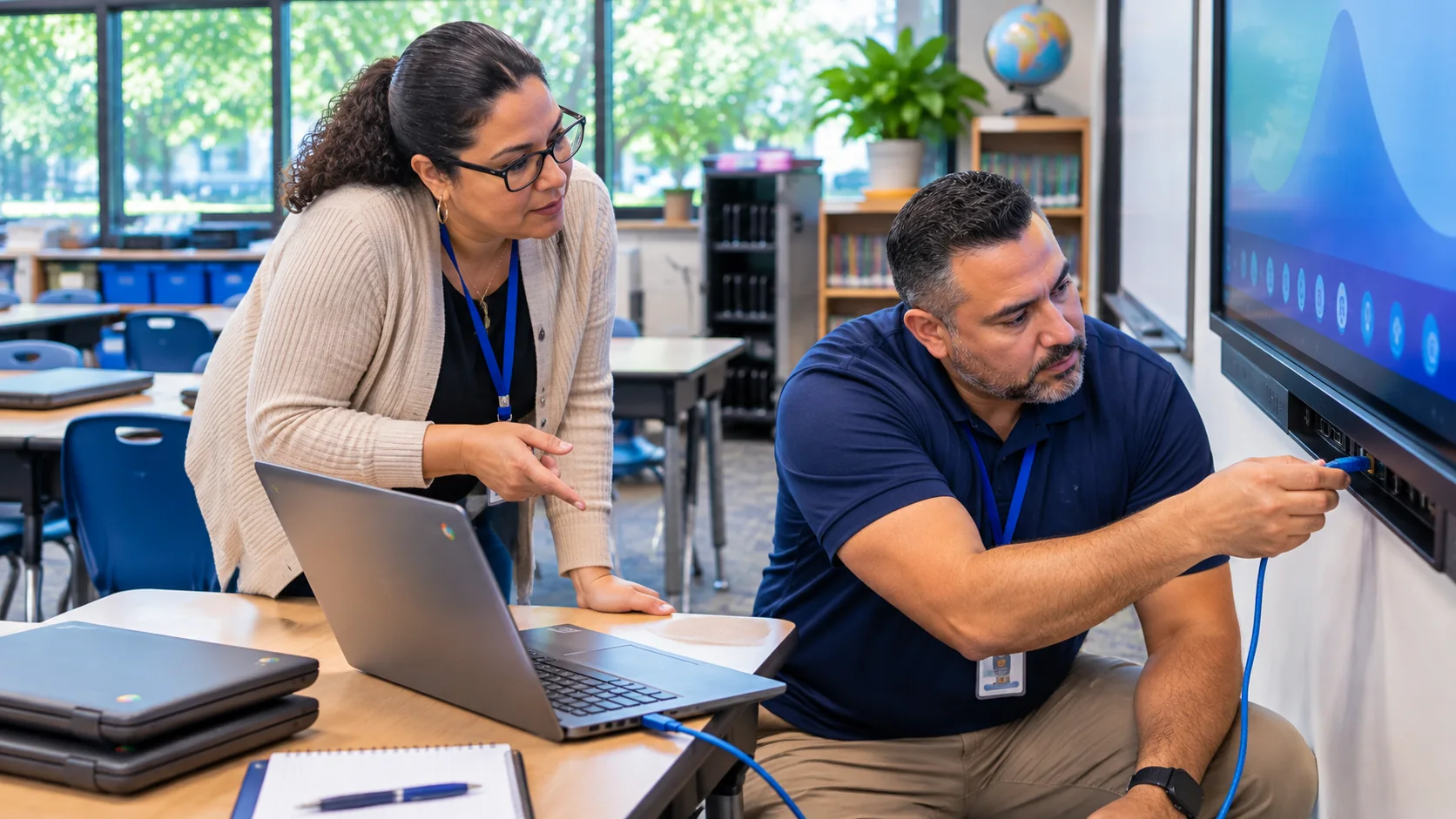
Plan hands-on school IT technician support for student devices, staff workstations and classroom equipment. This page helps school leaders distinguish a service requirement from a permanent employment position. ITCAD reviews independent support requests; it is not a job listing or a promise of staffing availability.
Record model, serial, damage, warranty and approved repair scope.
Test approved inputs, cables, power and teaching workflows.
Verify sign-in, connectivity and approved applications without collecting passwords.
Related services: Student Chromebooks · Teacher computers.
Use the following examples to decide what work belongs in the request and what evidence should be retained.
| Requirement | Approach | Evidence |
|---|---|---|
| Cracked Chromebook screen | Repair assessment | Model and part compatibility |
| No classroom display signal | Room troubleshooting | Known-good source and cable |
| Staff computer fails startup | Device diagnosis | Data protection and recovery approval |
Daily supervision, continuous campus coverage and internal policy ownership may require an employee. External support can be evaluated for defined tasks, projects or supplemental capacity.
Situation: A classroom has several damaged Chromebooks and a teacher computer that cannot connect to a display.
First action: Separate repair intake from classroom troubleshooting, label devices and test a known-good cable and display source.
Confirm approval before making changes and verify the outcome with the authorized school contact. The scenario is illustrative, not a claim of completed client work.
Answers for principals, operations leaders and school technology teams evaluating school it technician support.
Physical work depends on equipment, parts, safety, authorization and an agreed visit. Some repairs require a separate intake process.
Asset tag, serial, model, symptom, approved cost and custody. Confirm the return test.
Not for every task. Use the minimum approved permissions needed for the specific work.
No. This is a service planning resource for school decision-makers, not an employment listing.
Submit your campus and requirements. Remote and on-site availability, travel, pricing and scope are confirmed individually.
Use approved access, avoid sharing credentials and student records in routine tickets, and follow school data-handling requirements.
Provide the affected equipment or service, desired outcome, timeframe and authorized school contact. Costs are confirmed in writing.
Review U.S. Department of Education student privacy guidance and Google Chrome Enterprise and Education Help where relevant. ITCAD is independent; these organizations do not endorse the service. For local requests, provide the campus address and confirm travel and scope before scheduling.
Provide the requested outcome, location and authorized contact for a scope review.
Create your account, then open a ticket. Requests are reviewed through the ITCAD support process.