Inventory and enrollment
Match delivered equipment to purchase records and approved management systems.
Prepare technology for a new K–12 campus in Metro Atlanta with a practical readiness plan for devices, accounts, classrooms and support handoff.
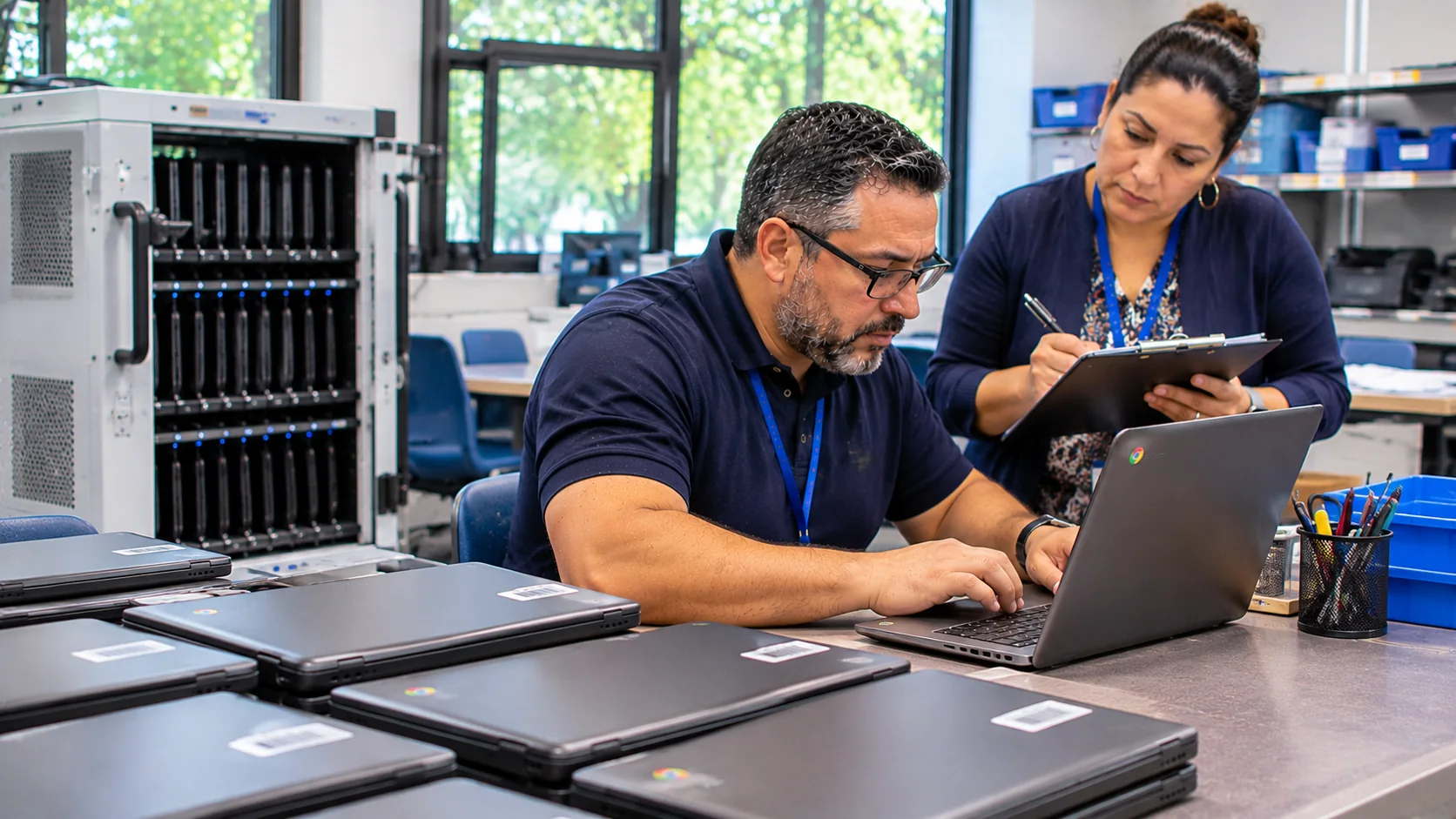
Prepare technology for a new K–12 campus in Metro Atlanta with a practical readiness plan for devices, accounts, classrooms and support handoff. ITCAD reviews requests for independent support; actual availability, fees and terms are confirmed in writing.
Match delivered equipment to purchase records and approved management systems.
Test network access, teacher computers and displays in each instructional room.
Define ticket channels, escalation owners and acceptance checks before staff arrive.
Related services: Chromebook enrollment · School IT help desk.
Use the following examples to decide what work belongs in the request and what evidence should be retained.
| Requirement | Approach | Evidence |
|---|---|---|
| New device delivery | Reconcile serial numbers and enroll approved devices | Deployment manifest |
| Classroom setup | Test display, audio and approved network access | Room readiness record |
| Staff onboarding | Confirm account access and support process | Authorized access checklist |
Confirm scope, fees and authorization before work begins. Examples are planning aids, not published rates or guarantees.
Situation: A new school has received student devices and classroom displays but has not yet established a support intake process.
First action: Sequence inventory, approved account provisioning, device enrollment, room testing and staff orientation against the opening calendar.
This scenario is illustrative, not a completed customer engagement.
Practical answers for school leaders evaluating it support for new schools.
Before equipment delivery and opening, with milestones agreed by school leadership.
Yes, when licensing, management access and approved enrollment procedures are ready.
Authorized academic and technology leaders define approved software.
Any installation requires a separate scope and appropriate qualified providers where required.
Core accounts, classroom devices, network access, printing and escalation paths.
Record dependencies and assign ownership before acceptance.
Discuss a separate recurring or supplemental support scope.
Review U.S. Department of Education student privacy guidance and Google Chrome Enterprise and Education Help where relevant. ITCAD is independent; these organizations do not endorse the service. For local requests, provide the campus address and confirm travel and scope before scheduling.
Provide the requested outcome, location and authorized contact for a scope review.
Create your account, then open a ticket. Requests are reviewed through the ITCAD support process.