Approval pathways
Identify the campus contact and any diocesan or network-level technology owner where applicable.
Plan campus IT assistance for Catholic schools in Metro Atlanta with clear approval paths, device records and coordination with central technology teams where applicable.
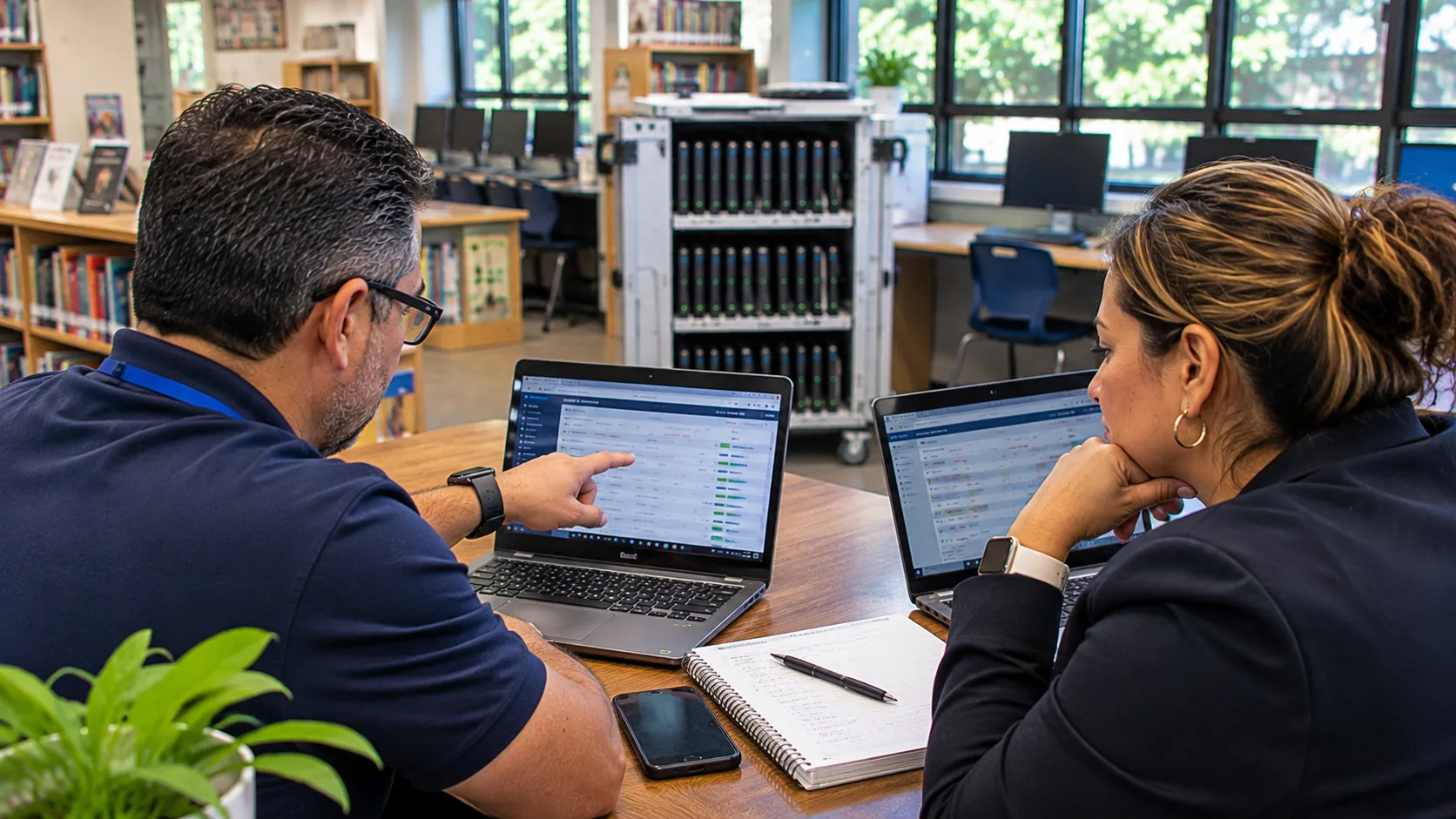
Plan campus IT assistance for Catholic schools in Metro Atlanta with clear approval paths, device records and coordination with central technology teams where applicable. ITCAD reviews requests for independent support; actual availability, fees and terms are confirmed in writing.
Identify the campus contact and any diocesan or network-level technology owner where applicable.
Track serial numbers, repair decisions and return-to-classroom testing.
Route policy and account changes to authorized administrators rather than bypassing controls.
Related services: School Chromebook repair · Google Admin accounts.
Use the following examples to decide what work belongs in the request and what evidence should be retained.
| Requirement | Approach | Evidence |
|---|---|---|
| Damaged Chromebook batch | Obtain repair and parts approval | Serial-level manifest |
| Account access issue | Contact authorized identity administrator | Escalation ticket |
| Replacement equipment | Confirm purchasing and enrollment requirements | Acceptance record |
Confirm scope, fees and authorization before work begins. Examples are planning aids, not published rates or guarantees.
Situation: A campus needs to repair student Chromebooks but account policies and purchasing decisions are managed by different offices.
First action: Confirm who approves repairs, account changes and purchases; separate local device work from centrally controlled settings.
This scenario is illustrative, not a completed customer engagement.
Practical answers for school leaders evaluating it support for catholic schools.
No. Governance varies; identify the actual local and central responsibilities.
Yes, if approved by the responsible authority.
The school or its designated purchasing authority.
Only with approval and an enrollment and data-preservation plan.
Yes; agree on report fields and delivery before work.
Authorized device and software troubleshooting can be included.
No affiliation or existing contract is implied.
Review U.S. Department of Education student privacy guidance and Google Chrome Enterprise and Education Help where relevant. ITCAD is independent; these organizations do not endorse the service. For local requests, provide the campus address and confirm travel and scope before scheduling.
Provide the requested outcome, location and authorized contact for a scope review.
Create your account, then open a ticket. Requests are reviewed through the ITCAD support process.